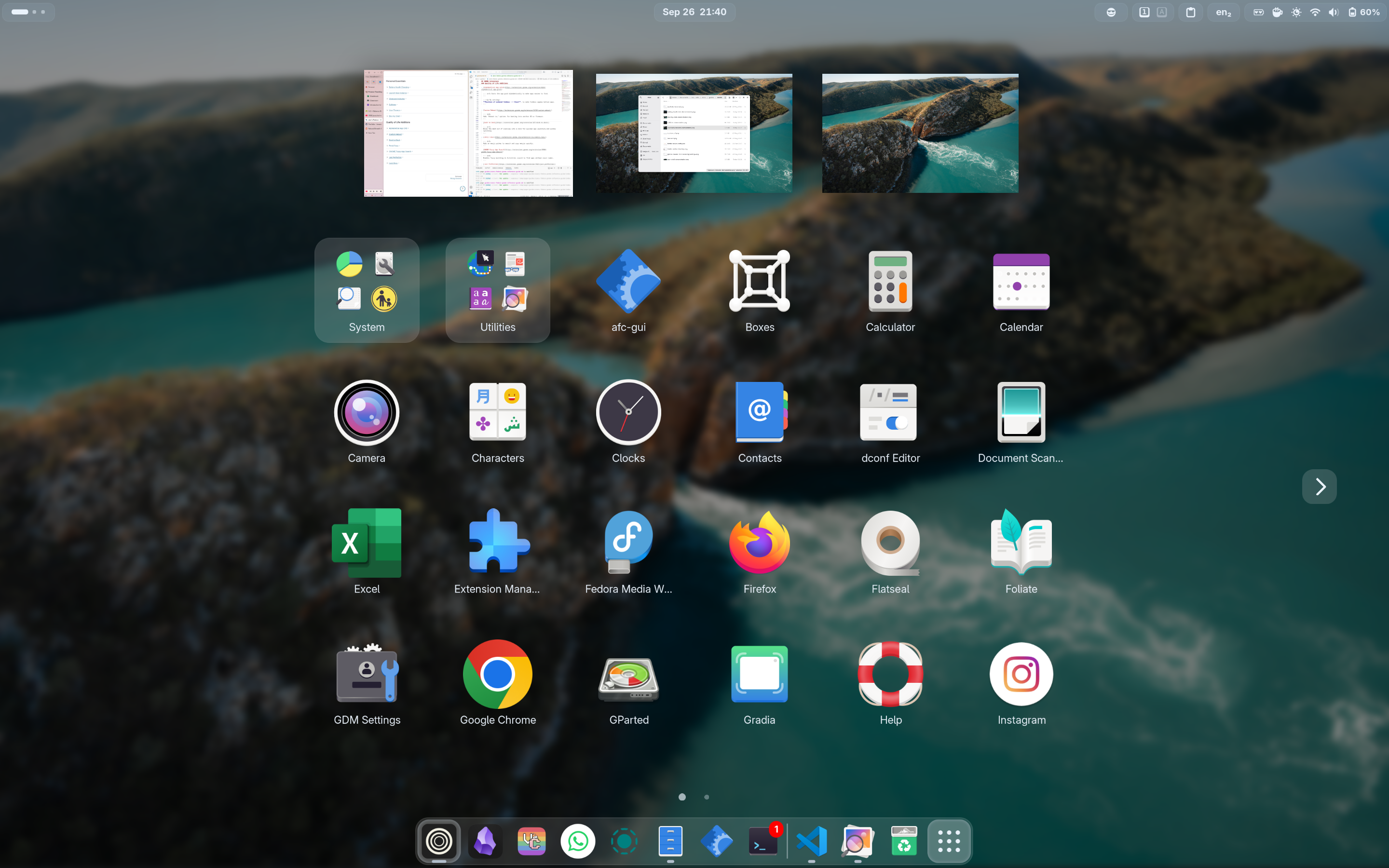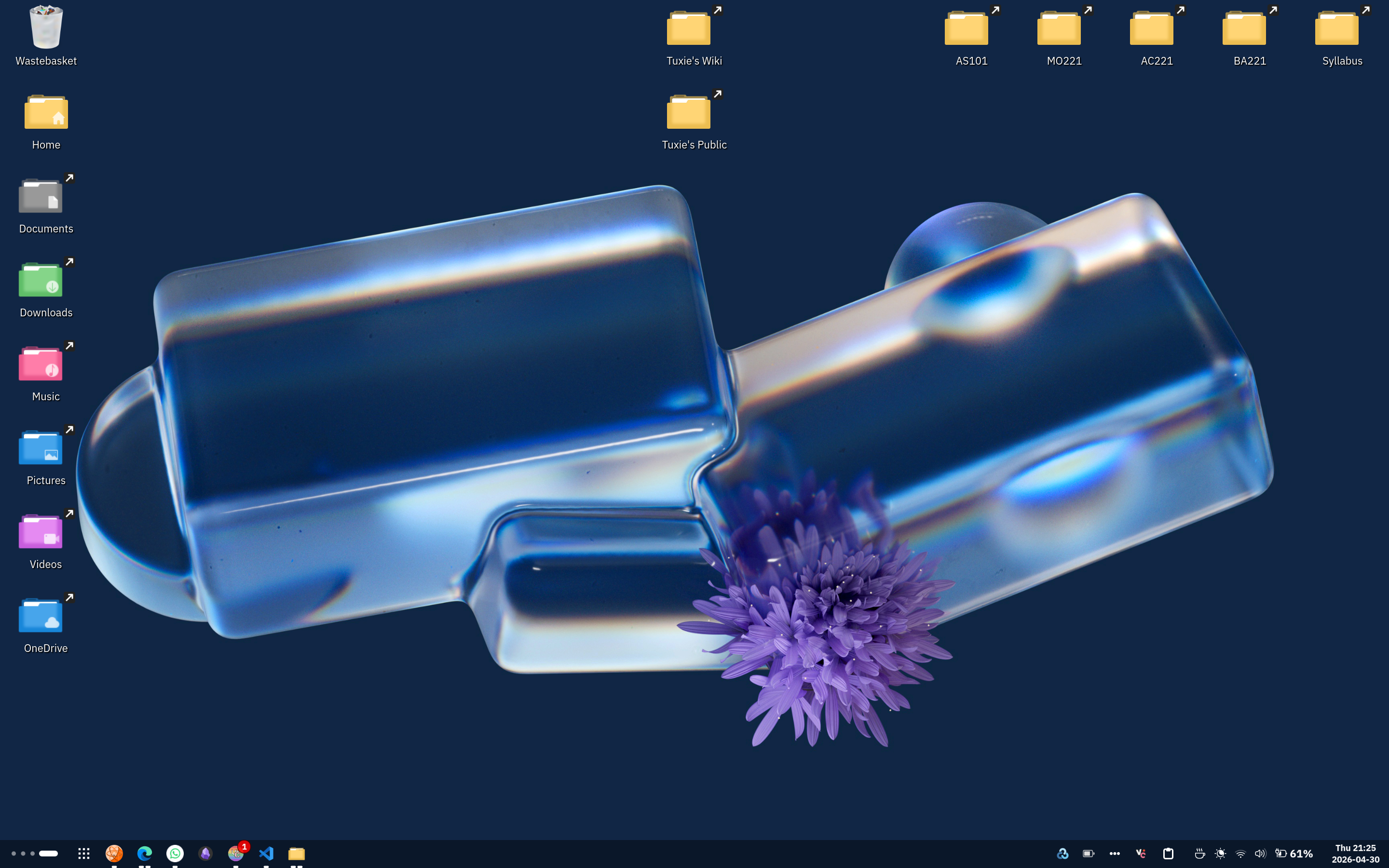
Adds AppIndicator, KStatusNotifierItem and legacy Tray icons support to the Shell.
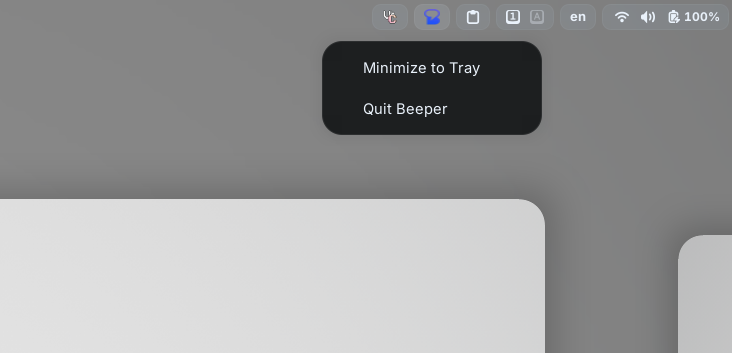
Adds customisable blur effects to GNOME Shell elements for a polished look.
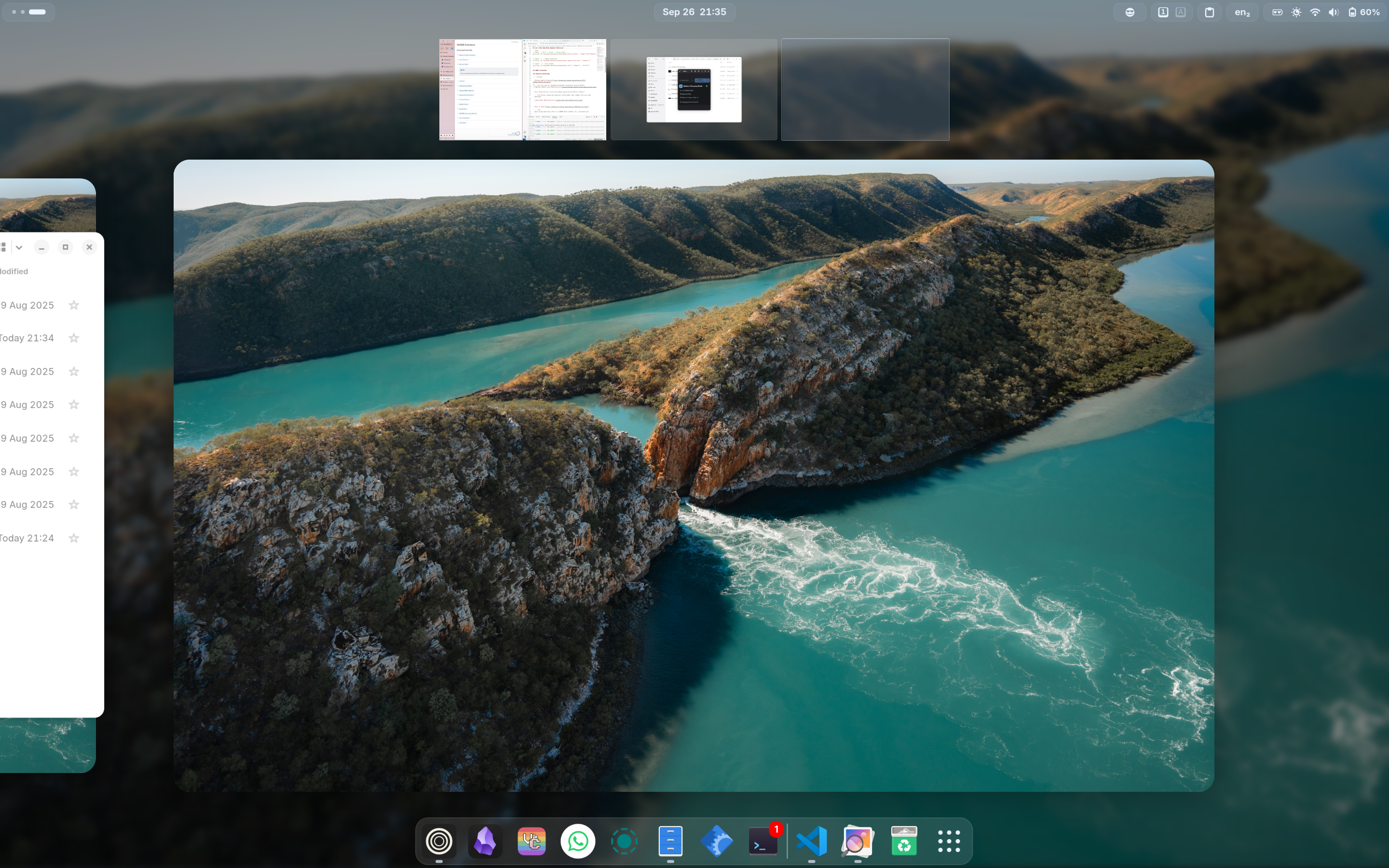
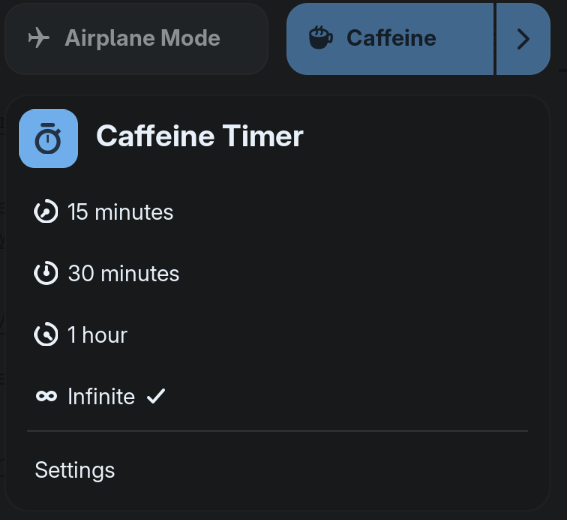
Prevents screen dimming and suspension on demand.
Provides a clipboard history and quick paste menu in the top panel.
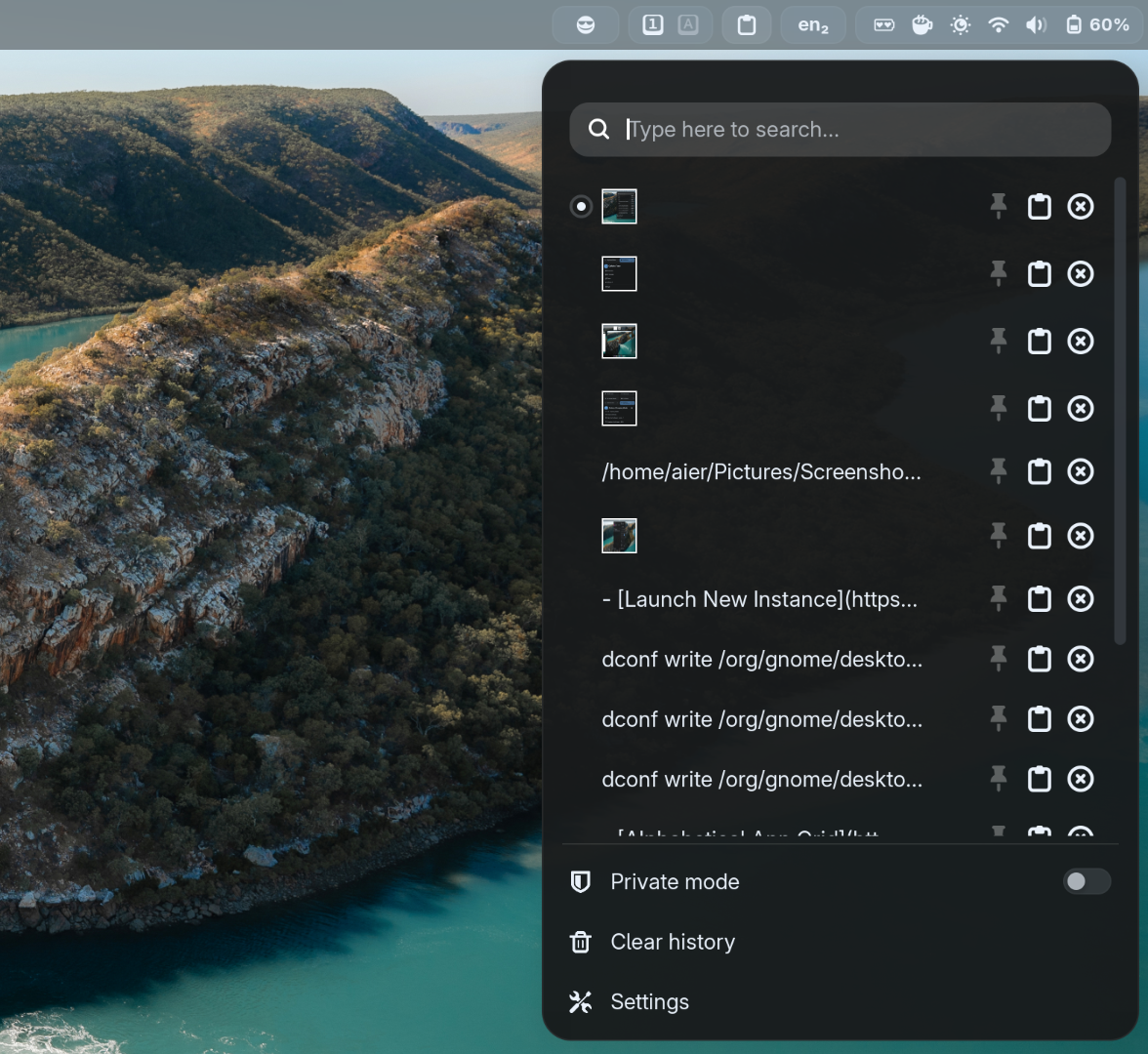
Windows-like <Super>v keyboard shortcut
dconf write /org/gnome/shell/keybindings/toggle-message-tray "['<Super>M']"
dconf write /org/gnome/shell/extensions/clipboard-indicator/toggle-menu "['<Super>V']"
Copyous (elegant alternative to Clipboard Indicator)
A modern clipboard manager with support for text, code, images, files, links, characters, and colours.
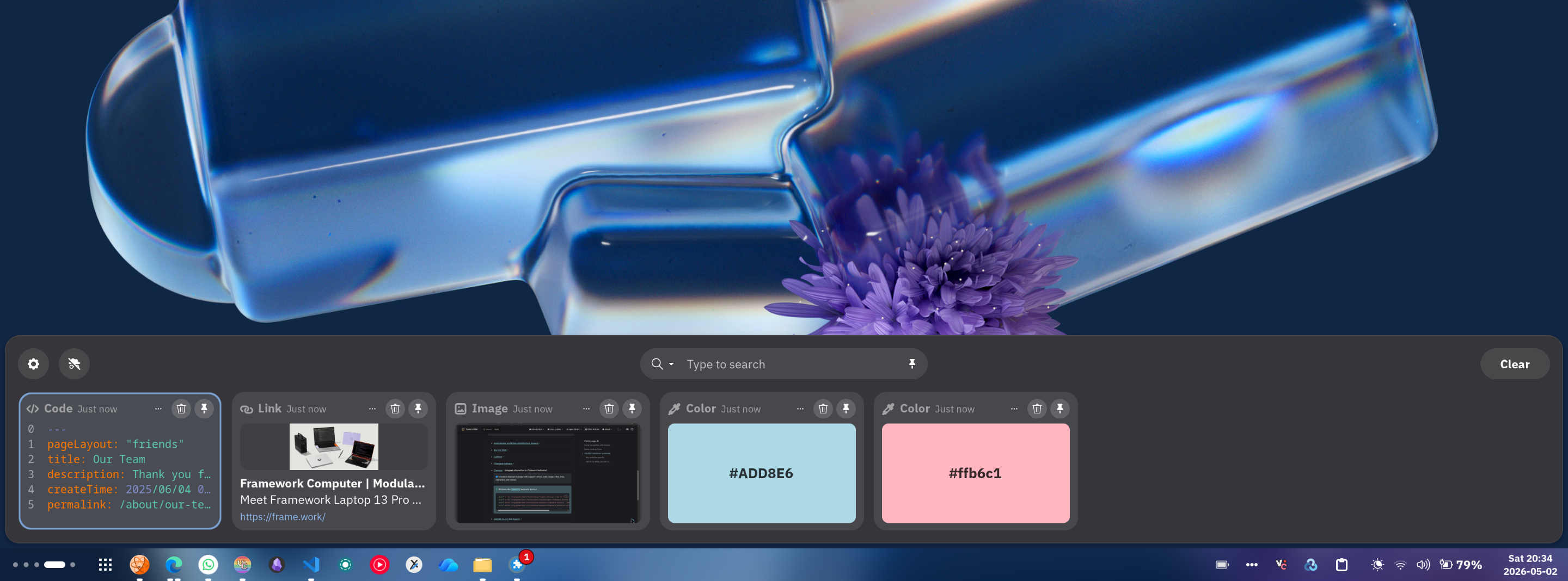
Windows-like <Super>v keyboard shortcut
dconf write /org/gnome/shell/keybindings/toggle-message-tray "['<Super>M']"
dconf write /org/gnome/shell/extensions/copyous/open-clipboard-dialog-shortcut "['<Super>V']"
dconf write /org/gnome/shell/extensions/copyous/clipboard-history "'keep-all'"
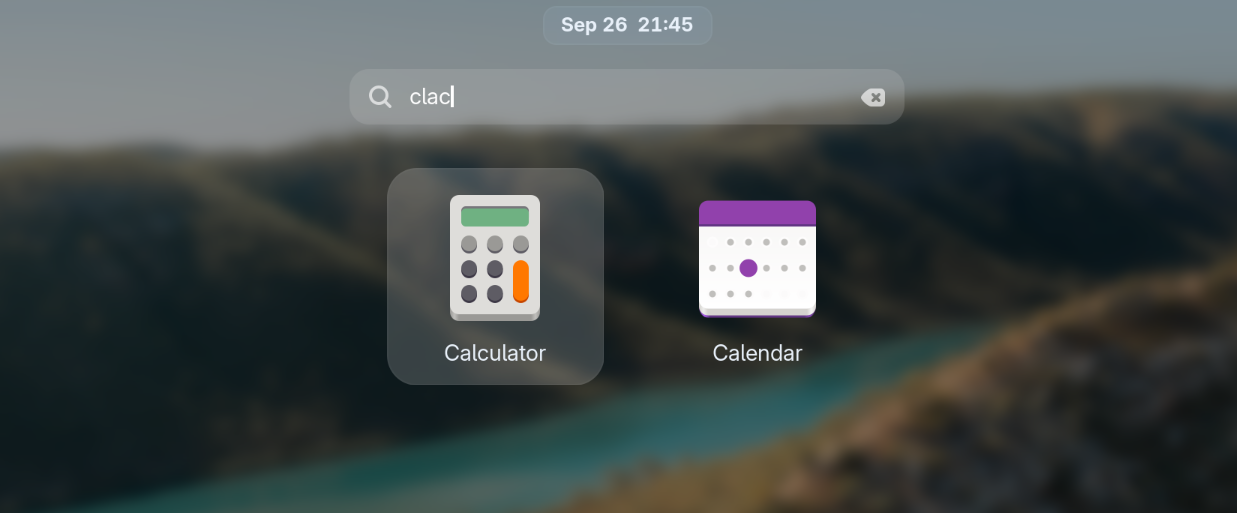
dconf write /org/gnome/shell/extensions/copyous/clipboard-position-vertical "'bottom'"Enables fuzzy matching in Activities search to find apps without exact names.
Tweaks or hides nearly every GNOME Shell UI element for fine‑grained control.
My settings:
# Hide ripple box in hot corner
dconf write /org/gnome/shell/extensions/just-perfection/ripple-box false

# Hide searchbar in overview (you can still search
# by just typing)
dconf write /org/gnome/shell/extensions/just-perfection/search false

# Hide window titles when hovering over windows in
# overview
dconf write /org/gnome/shell/extensions/just-perfection/window-preview-caption false

# Always show workspace switchers no matter how many
# workspaces are opened (especially useful for dynamic
# workspace users)
dconf write /org/gnome/shell/extensions/just-perfection/workspace-switcher-should-show true

# Make workspace switchers larger
dconf write /org/gnome/shell/extensions/just-perfection/workspace-switcher-size 13Image search on Google Lens, OCR and QR scan directly from the built-in GNOME Screenshot tool.
Switcher between light and dark theme depending on sunrise/sunset.
Make the light mode shell light.
dconf write /org/gnome/shell/extensions/nightthemeswitcher/commands/enabled 'true'
dconf write /org/gnome/shell/extensions/nightthemeswitcher/commands/sunrise "\"dconf write /org/gnome/desktop/interface/color-scheme \\\"'prefer-light'\\\"\""
dconf write /org/gnome/shell/extensions/nightthemeswitcher/commands/sunset "\"dconf write /org/gnome/desktop/interface/color-scheme \\\"'prefer-dark'\\\"\""Brings tiling window management to GNOME, allowing automatic window arrangements in customisable layouts.