
Linux Vocabs
About 883 wordsAbout 3 min
2025-06-14
Info
The following list of Linux vocabularies are commonly used within the Linux community, thus it's extremely helpful not only while navigating Tuxie's Wiki but also for future reference.
The definitions are simplified to be beginner friendly.
Core Concepts
FOSS (Free and Open-Source Software)
Free means you can use, study, change, and share the software however you like with no cost. Open source means the source code (the blueprint of the software) is available for anyone to look at, modify, or improve.
FOSS is transparent, collaborative, and serves the community.
OS (Operating System)
An OS is a core layer of software that acts as a bridge between your computer's hardware and the applications you run. e.g. Windows, macOS, GNU/Linux.
GNU/Linux
A free and open source Unix-like operating system powered by the GNU collection of free software and the Linux Kernel. This set of software forms the operating system that we usually refer to simply as 'Linux'.
Virtualisation
Running one or more virtual computers (VMs) inside your real one, each acting like its own separate machine with its own OS. e.g. VirtualBox, QEMU/KVM, VMware.
Parts of the GNU/Linux OS
Linux Kernel
Kernel is the core part of the OS that manages hardware, processes, and memory. e.g. the Linux kernel.
Linux is a free and open source created by Linus Torvalds in 1991 and has since become the foundation for many operating systems. The word "Linux" by itself is often used to refer to Linux Distros.
DE — Desktop Environment
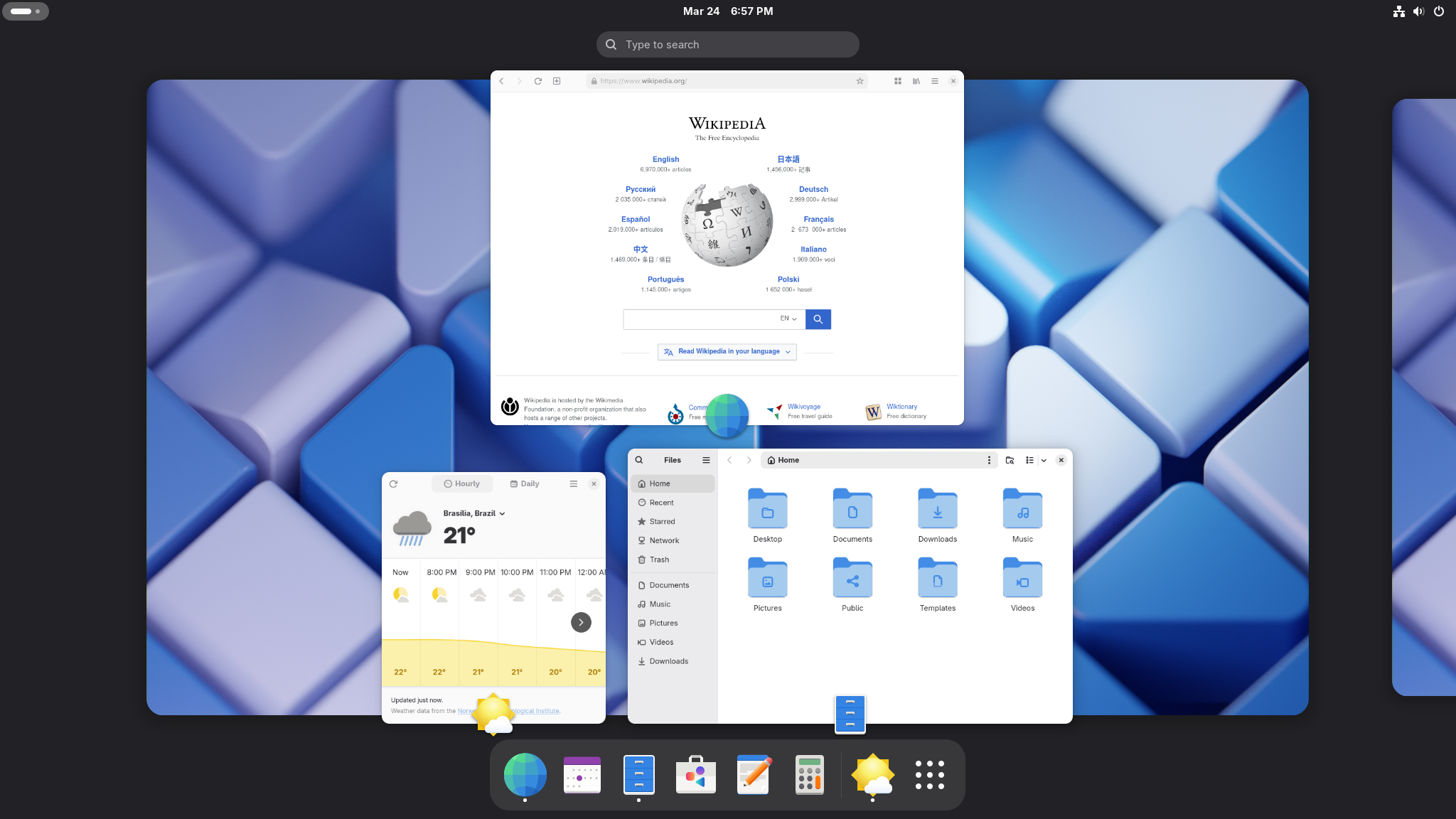
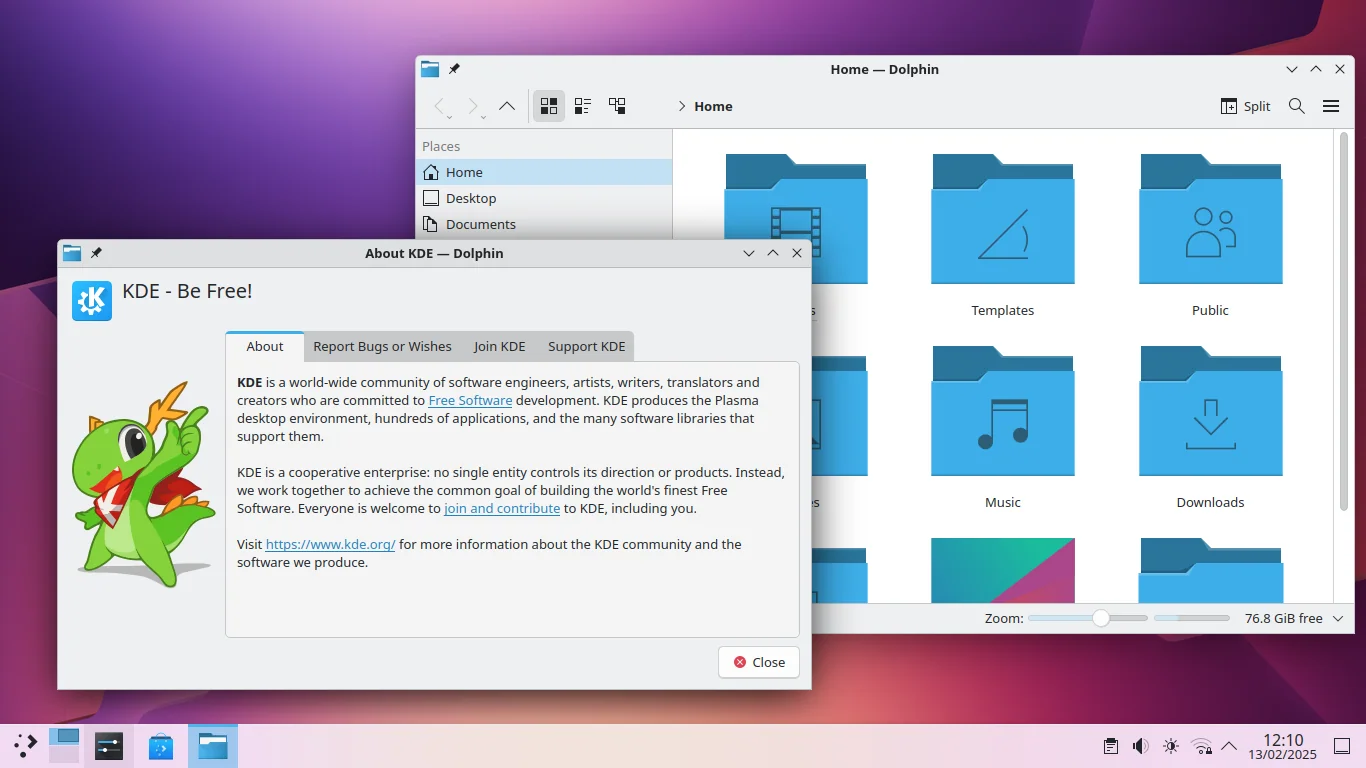
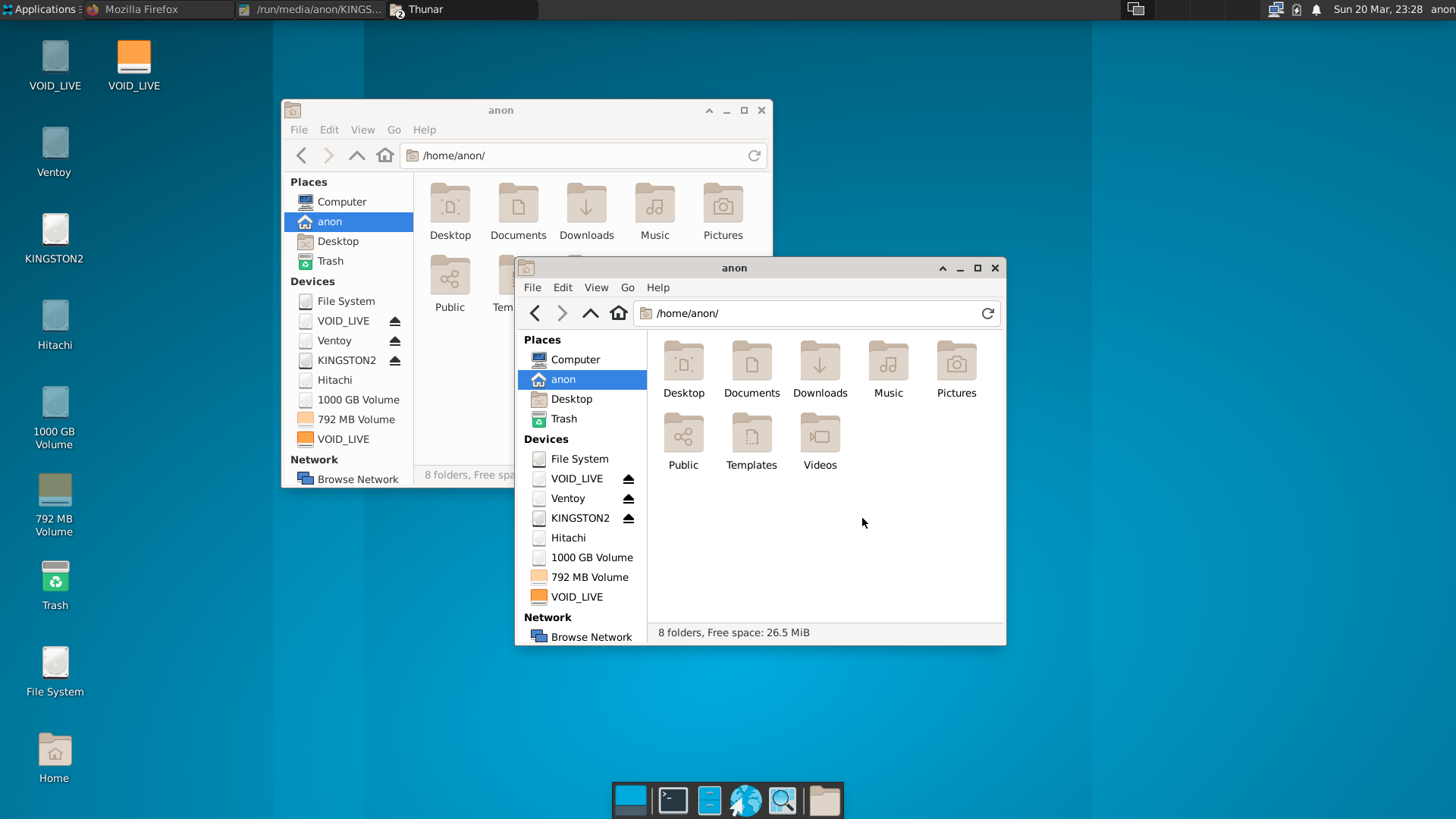
A desktop interface that where users can interact with application windows. (e.g., GNOME, KDE Plasma, XFCE).
| Desktop Environment | Demo Image | Description |
|---|---|---|
| GNOME | ![]() | A clean, modern interface with a focus on simplicity and productivity. Default in Fedora, Ubuntu, and many others. |
| KDE Plasma | ![]() | Highly customisable. Offers a Windows-like experience with many advanced features. |
| Xfce | ![]() | Lightweight and fast. Great for older hardware or users who prefer a traditional desktop layout. |
Distros — Linux Distributions
Distros are different versions of the GNU/Linux OS, each with varying packages and focuses from the other.
| Distro | Description | |
|---|---|---|
| Fedora | A nice out-of-the-box experience. Simple to use and cutting edge at the same time. | |
| Arch Linux | DIY approach. Can be extremely minimal as it does not come with a GUI installer nor any DE by default. For advanced users. | |
| Debian | Stable and receives a new release every 2 years, often the base for other distros like Ubuntu. | |
| Ubuntu | Beginner-friendly, popular on desktops and servers. | |
| Linux Mint | Ubuntu-based with a familiar Windows-like feel. |
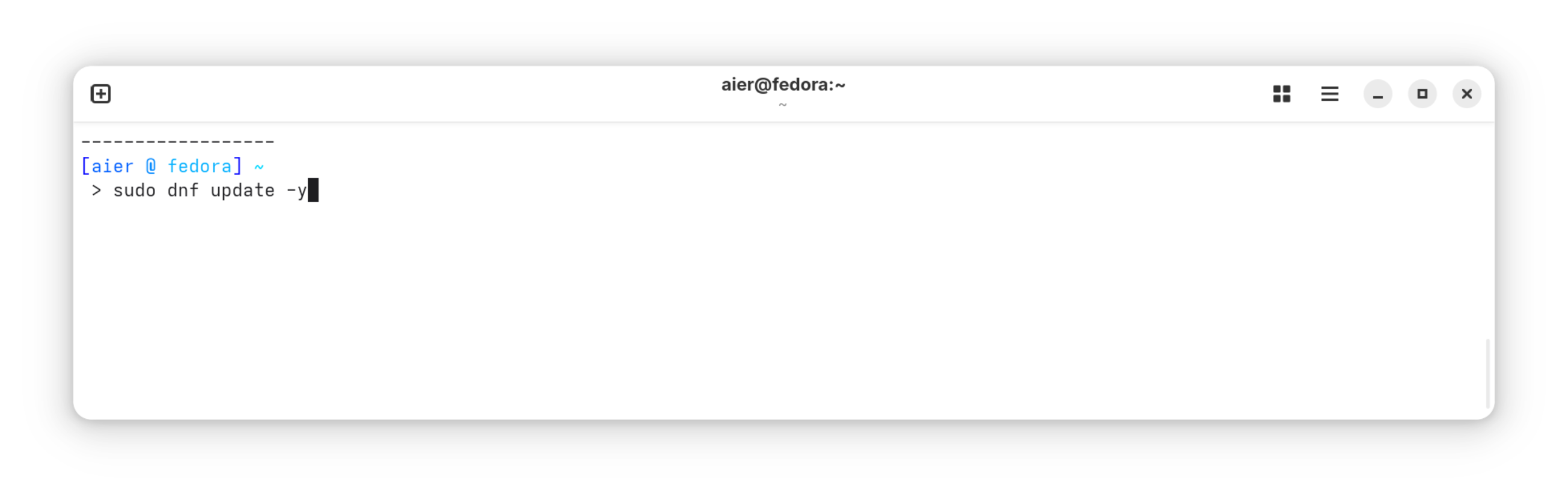
Terminal — Command Line Interface, CLI
A text-based interface to interact with the OS by typing commands.
Shell
The command-line interpreter (e.g., Bash, Zsh) that executes user commands.
Bourne Again Shell (Bash) — The default shell in most Linux distributions.
GUI — Graphical User Interface
A visual interface with windows, icons, and menus (e.g., settings apps, software stores).
WM — Window Manager
Software that controls window placement and appearance. (e.g., Hyprland, i3, Openbox). DEs like Gnome and KDE often come with their own.
Boot & Installation
Firmware
Low-level software built into a piece of hardware that lets it start up and lets the OS talk to it.
BIOS (Basic Input/Output System)
Older firmware that initialises your hardware and hands control over to the bootloader when you switch your computer on.
UEFI (Unified Extensible Firmware Interface)
The modern replacement for BIOS. Faster, supports larger drives, and adds features like Secure Boot.
GRUB (Grand Unified Bootloader)
The bootloader — the first program that runs after firmware — that lets you pick which OS or kernel to start.
Initramfs (Initial RAM Filesystem)
A small, temporary filesystem loaded into memory during boot that prepares just enough of the system to mount your real filesystem and hand off to the kernel.
ISO
A single file containing an entire disk's worth of data, most commonly used to install or boot an OS from a USB drive or DVD.
System & File Management
Root
The user with full system control (the root user, /root directory).
sudo (SuperUser DO)
A command to run programs with root privileges.
Path
The location of a file/directory (e.g., /usr/bin/python3).
Partition
A section of your disk's storage that's split off and formatted on its own, e.g. keeping your OS files and personal files separate.
Symlink (Symbolic Link)
A shortcut pointing to another file/directory (like Windows shortcuts).
Alias
A custom shortcut for a command (e.g., alias ll='ls -la').
Package & Software Management
Package Manager
A tool to install/remove software (e.g., apt — Debian, dnf — Fedora, pacman — Arch).
Repository (Repo)
A server hosting software packages for download.
Dependency
Additional software required for a program to run.
Flatpak
A universal package format that works across Linux distros (sandboxed).
Networking & Permissions
SSH (Secure Shell)
A protocol for secure remote login (ssh user@host).
IP (Internet Protocol)
A unique address for network communication (ifconfig/ip a).
Processes & System Control
Daemon
A background service (e.g., sshd for SSH).
Systemd
A modern init system managing services (systemctl start/stop).
Contributors
Changelog
3fe38-Vocab glossary: collapsible sections, boot terms, partition/virtualisationon00c9a-#39 Reformat project so each markdown file has their own asset subfolder in the public asset folder.on817b0-Minor adjustments to phrasing and formatting.on41235-GB Englishonf5812-Replaced **bold with highlightson35118-Grammar and Spell Checks for the entire Webon7beb3-Better onboarding experience.on8b7b2-Making the vocabs more visually appealing.onbeb01-Vocab finalized, flatpak edited, Updated Readmeon57245-Vocab simplifiedon08c3f-Refactor Linux vocabularies documentation for clarity and beginner-friendlinessona200d-Linux-vocab finishedon64a0d-New to Wiki navbar setupon80cb1-Adding Introduction section.on6643e-Added introduction fileson


