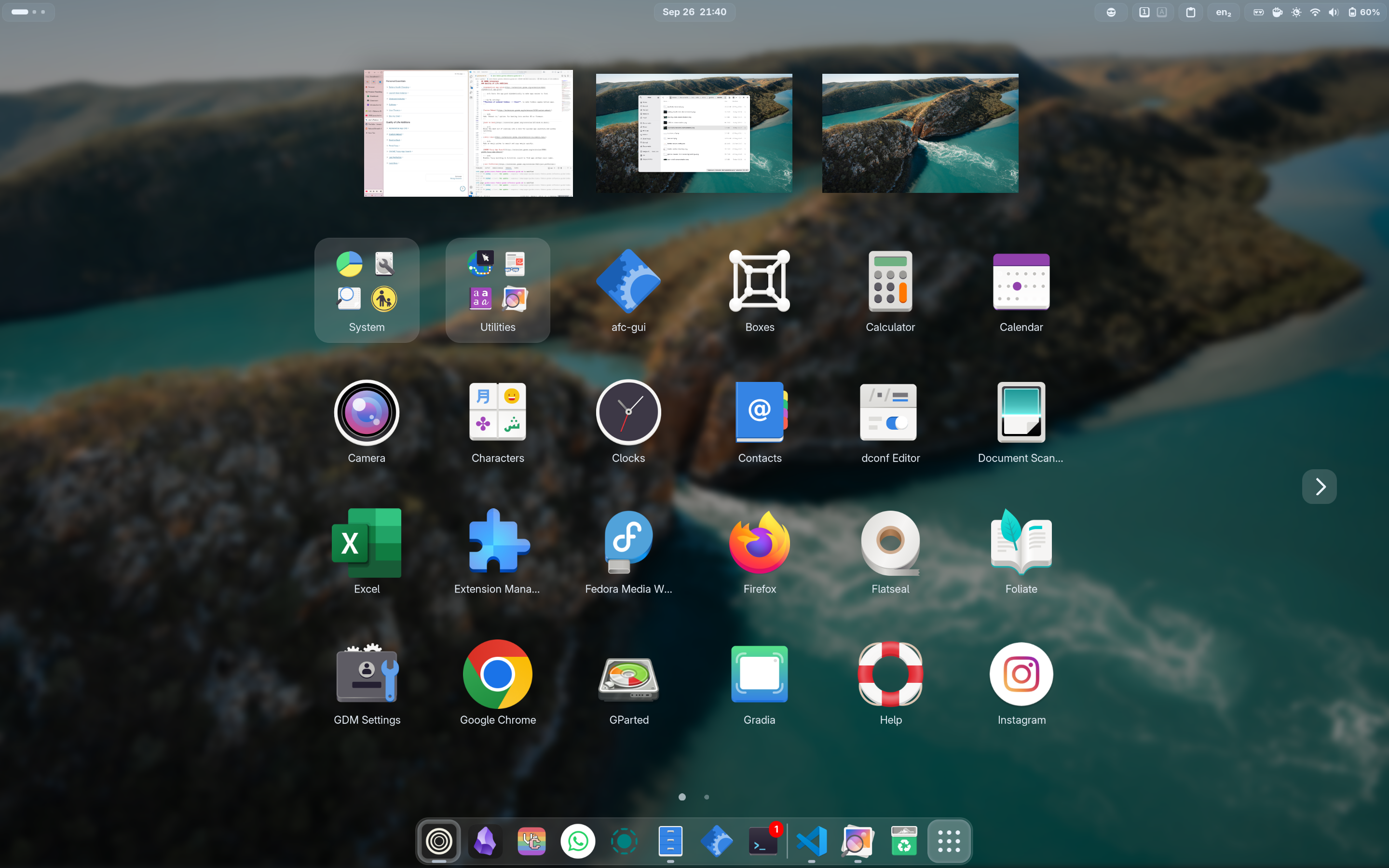
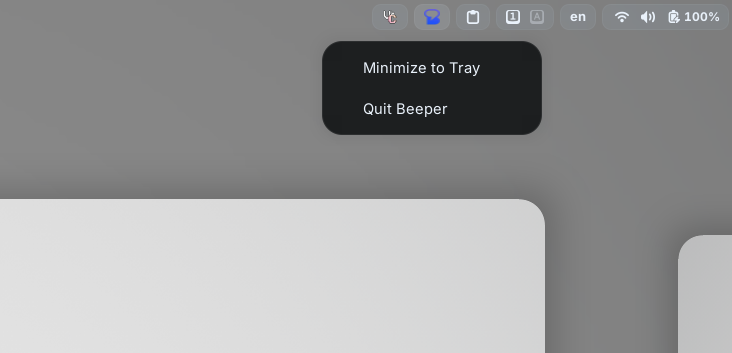
Adds AppIndicator, KStatusNotifierItem and legacy Tray icons support to the Shell.
🌟Lilypad (pairs well with AppIndicator)
Tidies the tray icons in your top bar — hide the ones you rarely touch.
Automatically switches between power profiles (Performance / Balanced / Power Saver) based on whether you're on AC or battery, and on the current battery charge level.
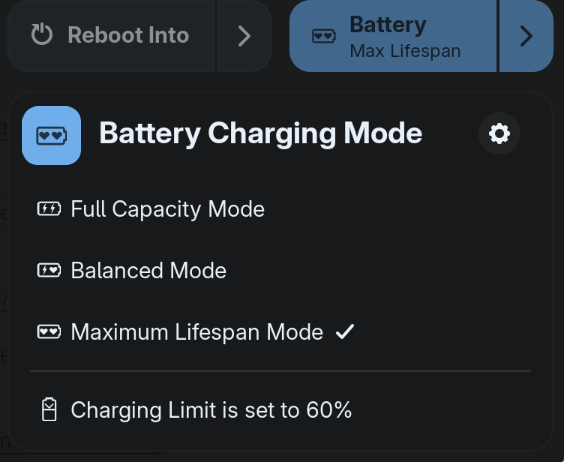
Set a battery charging threshold / limit / mode to maximise laptop battery lifespan. Many laptop brands work out of the box; some need extra kernel modules (see the extension's compatibility list).
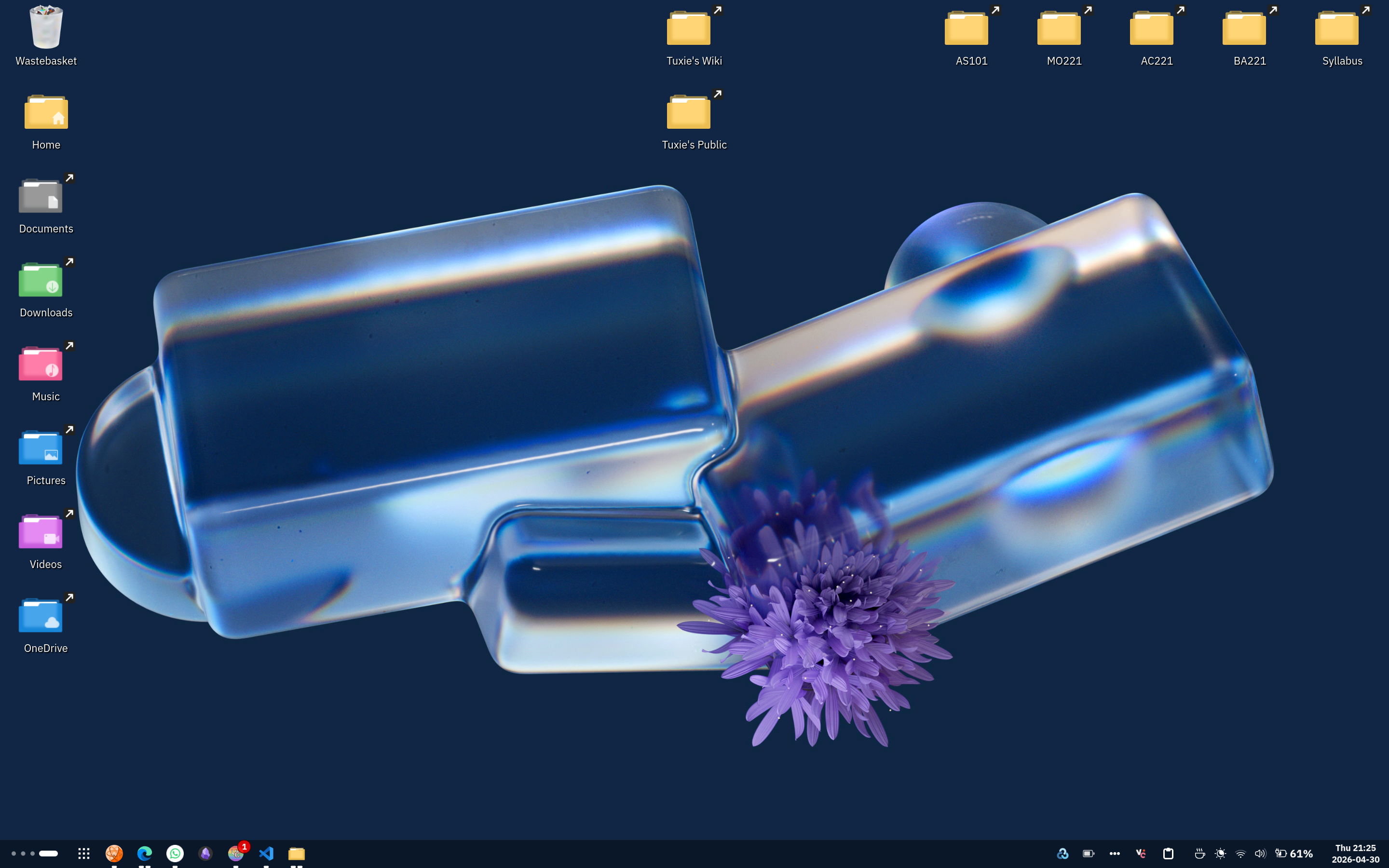
Adds customisable blur effects to GNOME Shell elements for a polished look.
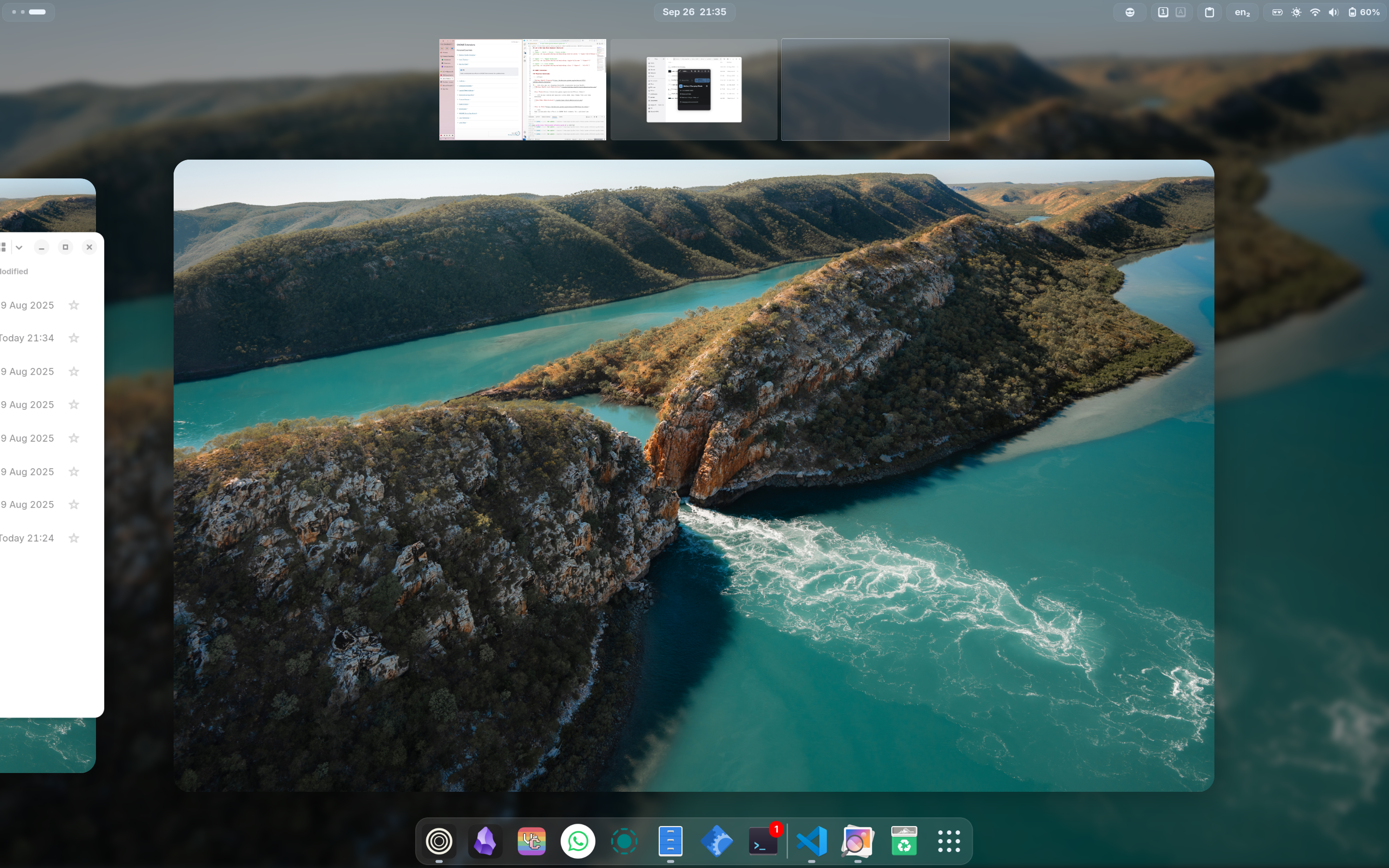
Prevents screen dimming and suspension on demand.
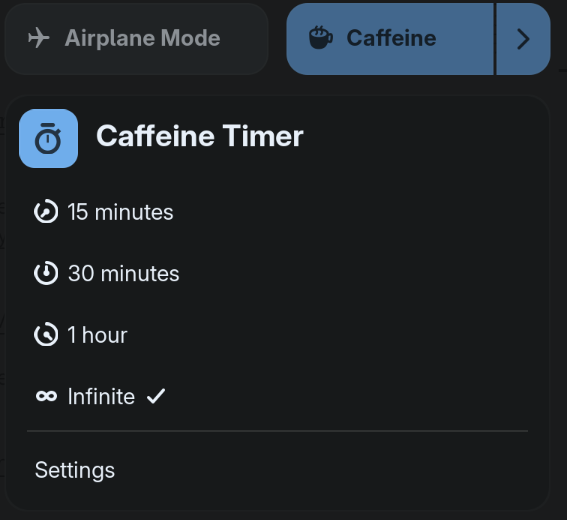
Provides a clipboard history and quick paste menu in the top panel.
Windows-like <Super>v keyboard shortcut
gsettings set org.gnome.shell.keybindings toggle-message-tray "['<Super>M']"
dconf write /org/gnome/shell/extensions/clipboard-indicator/toggle-menu "['<Super>V']"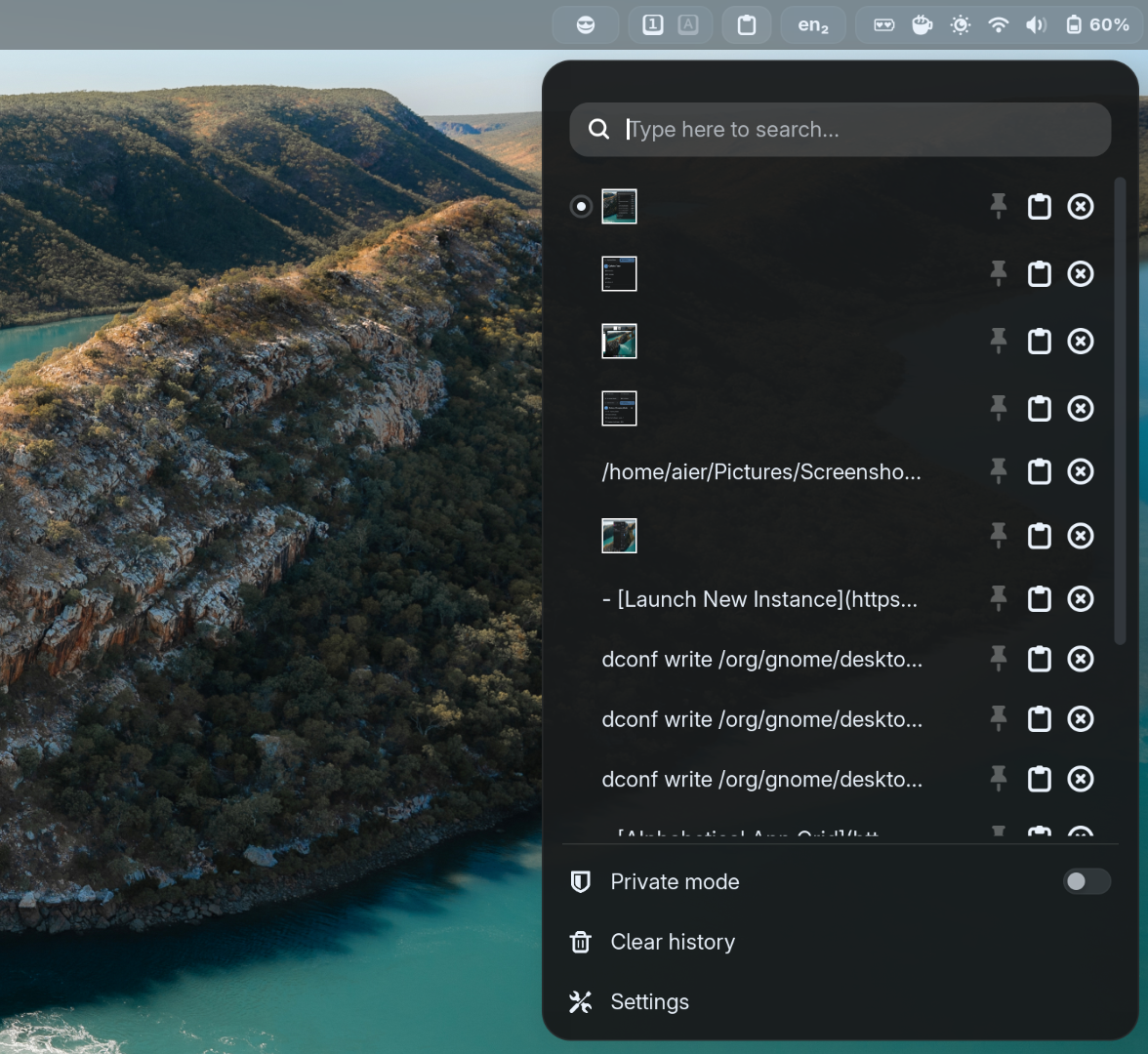
🌟Copyous (elegant alternative to Clipboard Indicator)
A modern clipboard manager with support for text, code, images, files, links, characters, and colours.
Install dependencies (needed for the SQLite clipboard-history backend)
sudo dnf install libgda libgda-sqlitesudo apt install gir1.2-gda-5.0 gir1.2-gsound-1.0sudo pacman -S libgda6Windows-like <Super>v keyboard shortcut
gsettings set org.gnome.shell.keybindings toggle-message-tray "['<Super>M']"
dconf write /org/gnome/shell/extensions/copyous/open-clipboard-dialog-shortcut "['<Super>V']"
dconf write /org/gnome/shell/extensions/copyous/database-backend "'sqlite'"
dconf write /org/gnome/shell/extensions/copyous/clipboard-position-vertical "'bottom'"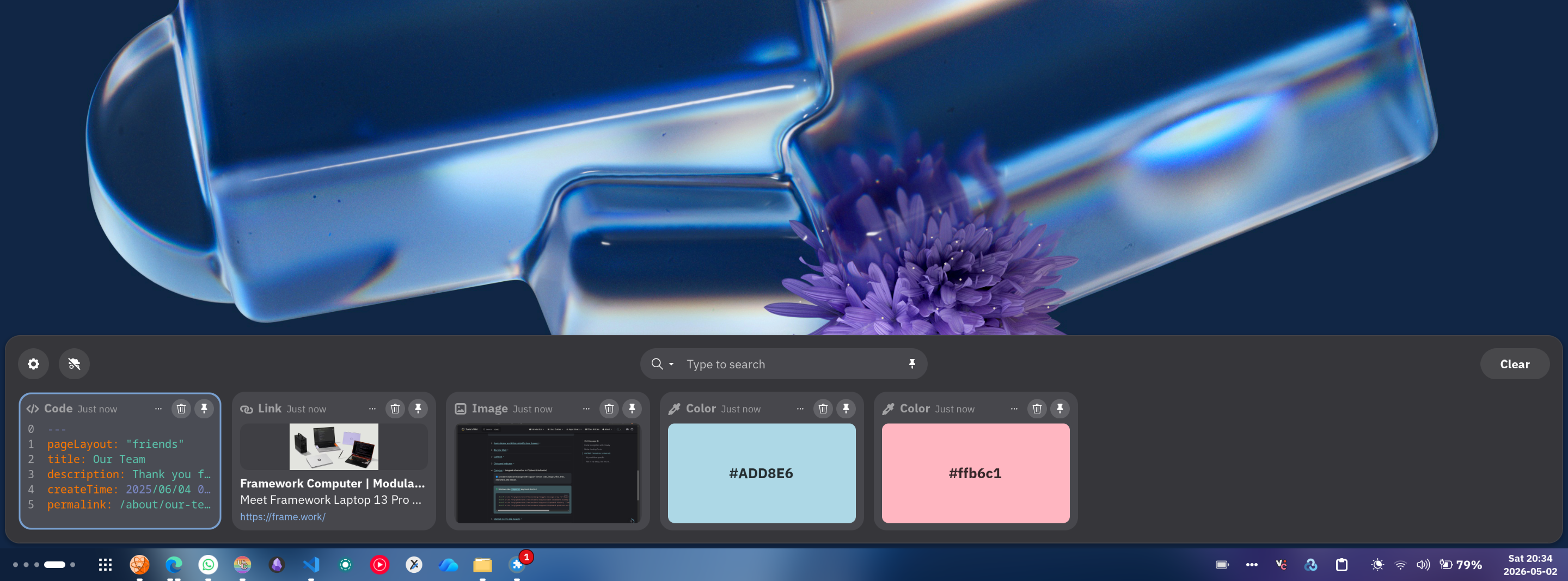
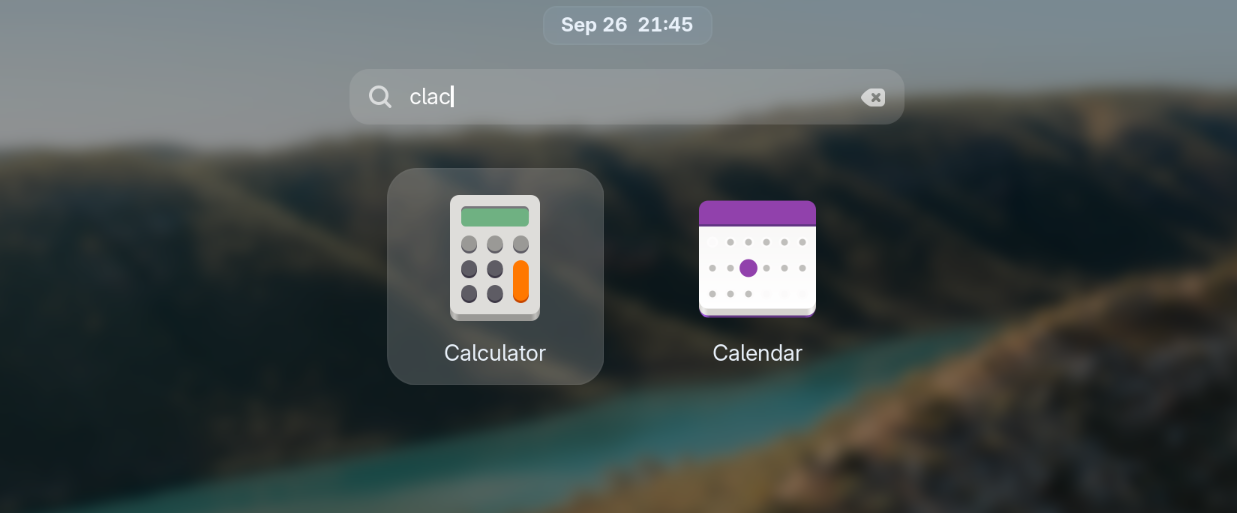
Enables fuzzy matching in Activities search to find apps without exact names.
Tweaks or hides nearly every GNOME Shell UI element for fine‑grained control.
My settings
# Hide searchbar in overview (you can still search
# by just typing)
dconf write /org/gnome/shell/extensions/just-perfection/search false

# Hide window titles when hovering over windows in
# overview
dconf write /org/gnome/shell/extensions/just-perfection/window-preview-caption false

# Always show workspace switchers no matter how many
# workspaces are opened (especially useful for dynamic
# workspace users)
dconf write /org/gnome/shell/extensions/just-perfection/workspace-switcher-should-show true

# Make workspace switchers larger
dconf write /org/gnome/shell/extensions/just-perfection/workspace-switcher-size 13
Image search on Google Lens, OCR and QR scan directly from the built-in GNOME Screenshot tool.
Switcher between light and dark theme depending on sunrise/sunset.
Make the light mode shell light.
dconf write /org/gnome/shell/extensions/nightthemeswitcher/commands/enabled true
dconf write /org/gnome/shell/extensions/nightthemeswitcher/commands/sunrise "'gsettings set org.gnome.desktop.interface color-scheme prefer-light'"
dconf write /org/gnome/shell/extensions/nightthemeswitcher/commands/sunset "'gsettings set org.gnome.desktop.interface color-scheme prefer-dark'"